How tokenization works
Raw card and bank account data never touches PayGood’s servers. Before registering an instrument, you tokenize the sensitive data using a supported vault provider, which will return an opaque token ID that represents the underlying data. You then pass that token ID to PayGood viaPOST /payment-instruments. PayGood forwards it to the payment processor on your behalf during a charge. This architecture means your integration never handles raw PANs or routing numbers, keeping you out of PCI scope.
Collecting a payment instrument
We provide two NPM packages you can integrate into your website to collect a card or bank account:collect-core (pure TypeScript component), or collect-react (React component).
collect-core: link , collect-react: link
Due to a temporary issue, initialize the component with
useStockDomain: false . Once a fix is released, this will no longer be necessary and docs will be updated.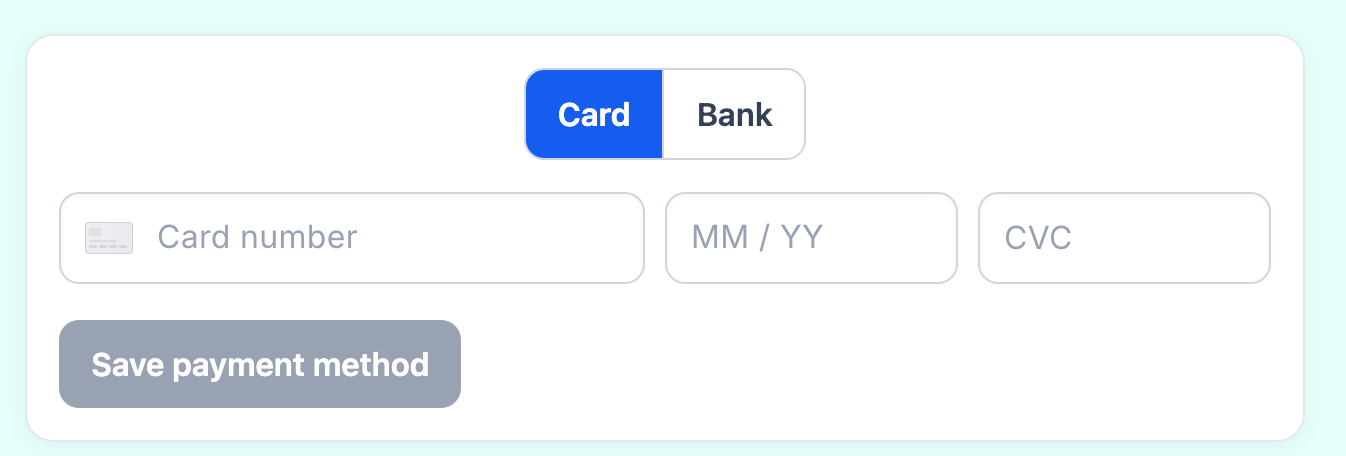
Register a card instrument
Once you have a vault token for a card, send aPOST /payment-instruments request with type: "card" and the token details.
Register a bank account instrument
To register a bank account, use the same endpoint withtype: "bank_account" and a vault token that represents the tokenized account details.